SESA-SLIDES (Optional)
Create a slideshow
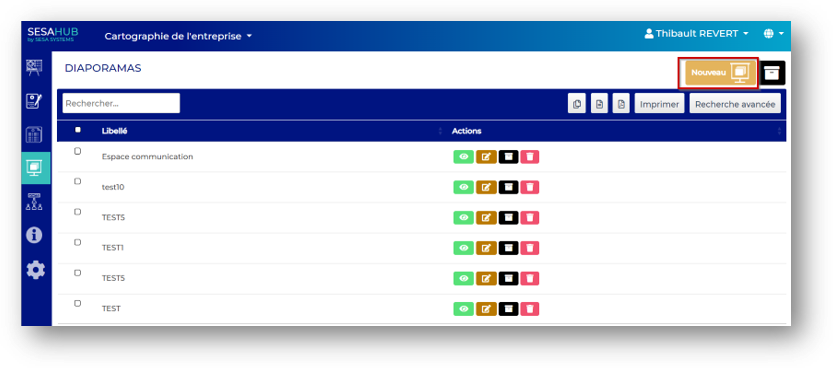
To create a new slide show from the SESA SLIDES menu, click on New button
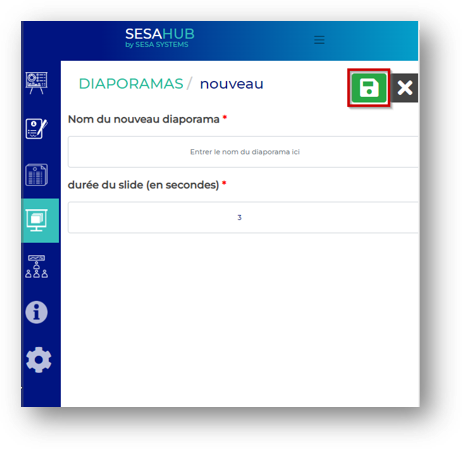
Complete the fields and save
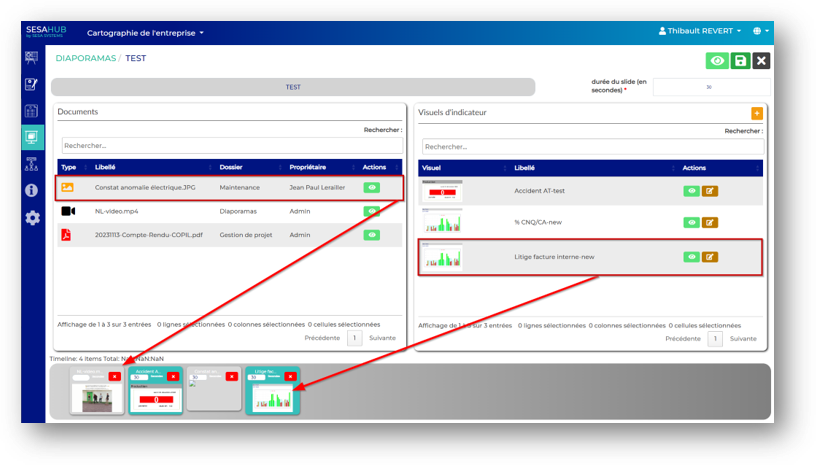
By using the drag and drop function, add documents ever saved (on the left) or visual indicator results (on the right)
 | Save the slideshow |
 | Visualize the slideshow |
danger
WARNING, Before visualize it, save it
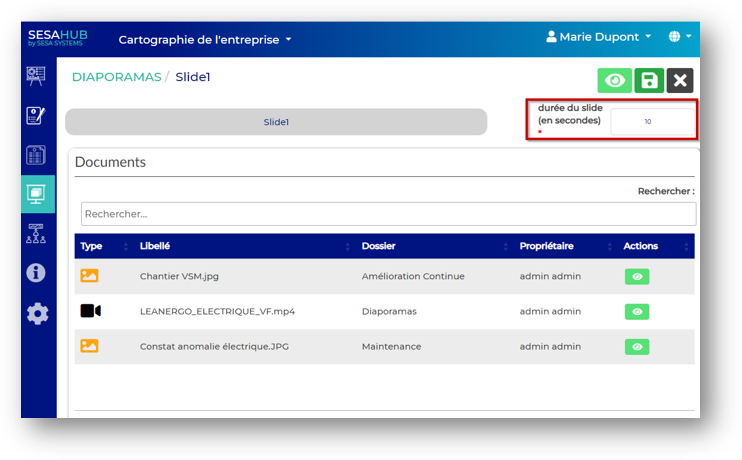
Control the display time for a specific slide
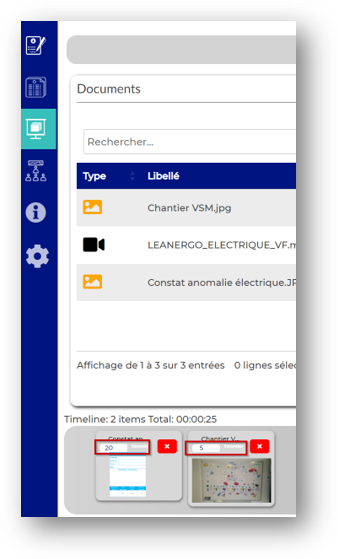
Control the default display time for all slides
Control default display duration for all slides